
Choosing the right monitor is essential when building a high-performance gaming PC. A powerful graphics card can deliver impressive frame rates, detailed textures, realistic lighting, and smooth gameplay, but your display must be capable of showing those improvements. The monitor you choose affects image clarity, responsiveness, color accuracy, and your overall gaming experience. 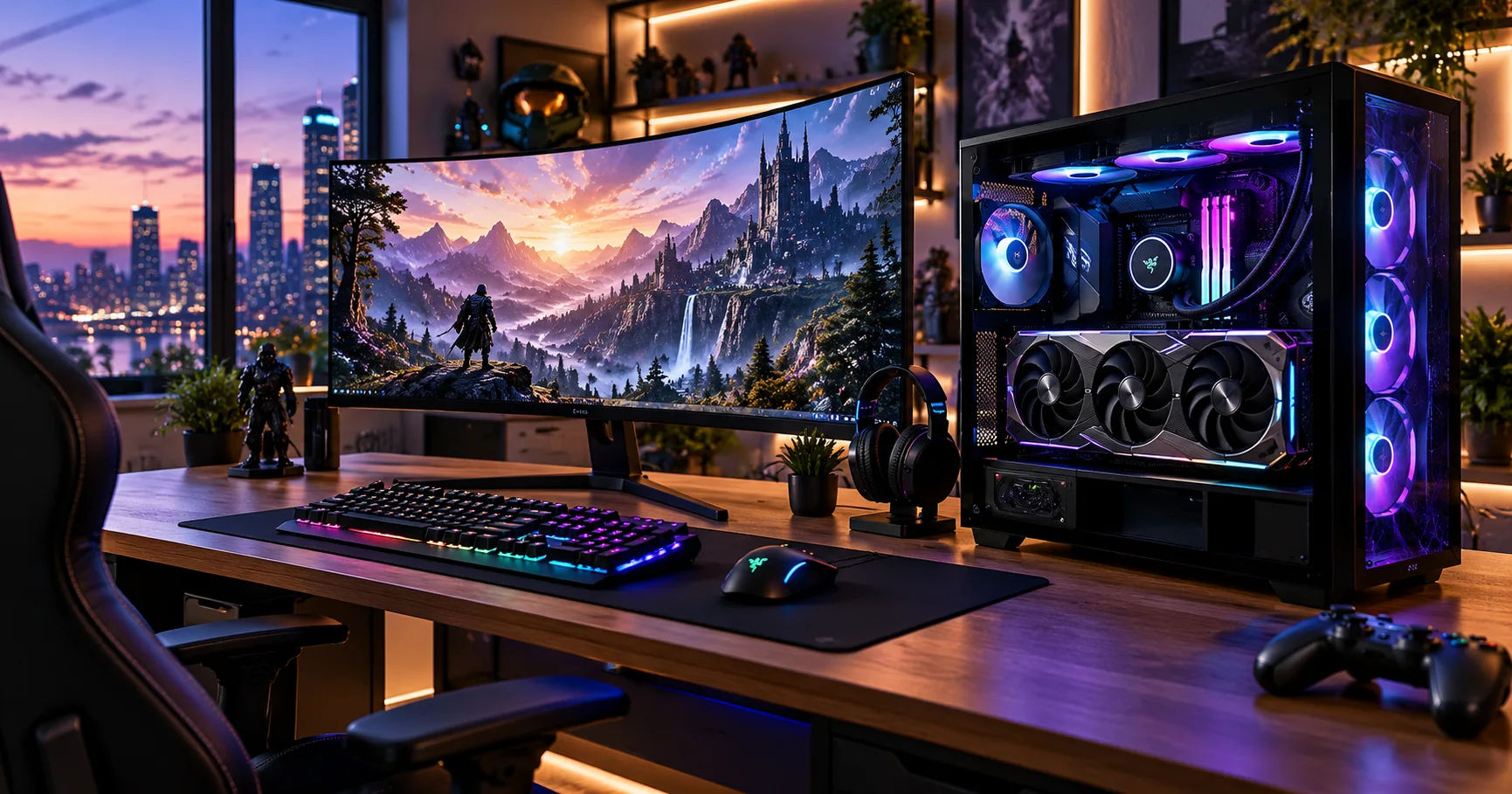 The NVIDIA GeForce RTX 5090 is designed for demanding gaming, creative applications, and advanced graphics workloads. It can handle high resolutions and demanding visual settings, making it suitable for premium 4K gaming and, in selected games, high-refresh-rate 4K or 8K experiences. However, the best display depends on your favorite games, budget, desk setup, and preferred screen size.
If you are researching rtx 5090 buy in dubai, choosing a suitable monitor should be part of your purchasing plan rather than an afterthought. Dubai offers access to a wide range of gaming displays, from affordable high-refresh-rate IPS monitors to premium OLED models with exceptional contrast. Understanding the differences between resolution, refresh rate, response time, HDR, and panel technology will help you choose a monitor that makes the most of your graphics card.
This comprehensive guide explains which monitor specifications matter most, which display types suit different users, and what to consider before purchasing a monitor alongside your RTX 5090.
The RTX 5090's Display Capabilities
The RTX 5090 belongs to NVIDIA's high-end GeForce graphics card family. Its substantial processing power makes it particularly suitable for enthusiasts who want excellent image quality without sacrificing performance.
However, a graphics card's capabilities do not automatically determine the performance you will experience in every game. The game's graphics engine, optimization, ray-tracing settings, processor, and use of upscaling technologies all influence frame rates.
Your monitor should complement the graphics card instead of limiting its benefits.
Why Monitor Specifications Matter
Three specifications deserve particular attention when selecting a display:
-
Resolution: Determines the number of pixels displayed on the screen.
-
Refresh rate: Measures how many times the screen can update each second.
-
Response time: Describes how quickly pixels can change between colors or brightness levels.
A 4K monitor provides more detail than a 1440p monitor, while a 240Hz display can refresh its image more frequently than a 144Hz model. Fast pixel transitions can also reduce visible ghosting during rapid movement.
These features work together, but there is no single specification that makes every monitor the best choice. The right combination depends on how you plan to use your computer.
Best Monitor Resolution for the RTX 5090
Resolution is one of the most important factors when selecting a monitor for this graphics card. The RTX 5090 has enough performance to make high-resolution gaming a major priority.
A 4K monitor has a resolution of 3840 × 2160 pixels. It provides sharp text, detailed environments, and clear images, particularly on screens around 27 to 32 inches.
For most users, a 4K gaming monitor is the best starting point when building a PC around the RTX 5090. It balances image quality, gaming performance, and practical everyday use.
Open-world adventures, racing games, role-playing games, and visually demanding single-player titles can look particularly impressive at 4K. Fine details in landscapes, character models, shadows, and textures become easier to appreciate.
Look for a 4K monitor with a refresh rate of at least 144Hz. Enthusiasts who want exceptionally smooth gameplay can consider 165Hz, 240Hz, or higher where available.
A 32-inch 4K monitor is especially attractive because it offers a generous viewing area while maintaining excellent pixel density.
1440p Monitors: Ideal for Competitive Gaming
A 1440p monitor has a resolution of 2560 × 1440 pixels. Although it provides less detail than 4K, it can be an excellent option for players who prioritize competitive performance.
Displays with refresh rates of 240Hz, 360Hz, or higher can provide a very smooth experience in compatible games.
Competitive titles such as first-person shooters and esports games often benefit more from high frame rates and responsive controls than from maximum visual detail.
With an RTX 5090, a high-refresh-rate 1440p monitor can make sense if you play competitively, although the graphics card may be more powerful than necessary for this resolution in many games.
Choose 1440p when speed, competitive play, and high frame rates matter more to you than maximum image detail.
8K Monitors: A Specialized Option
An 8K display has a resolution of 7680 × 4320 pixels. It can deliver exceptional detail, but it also places a substantial workload on the graphics card.
Although the RTX 5090 supports advanced high-resolution output, running modern games at native 8K with demanding graphics settings can still be challenging. Upscaling and frame-generation technologies may help, but results depend on the game and settings.
Eight-k monitors are also expensive, and high-refresh-rate options are less common than 4K alternatives.
For most gamers, a premium 4K monitor provides a more practical combination of image quality, refresh rate, and price. Consider 8K only if you have a specific need for extremely high resolution and understand its limitations.
Choosing the Right Refresh Rate
Refresh rate is particularly important for a high-end graphics card because it determines how frequently the display can present a new image.
Is 144Hz Enough?
A 144Hz monitor refreshes its image up to 144 times per second. Compared with a standard 60Hz display, it can provide noticeably smoother movement and more responsive gameplay.
For gamers upgrading from an older monitor, 144Hz is already a substantial improvement. It is a reasonable minimum target for a premium gaming setup.
However, someone investing in an RTX 5090 may prefer a faster display to take advantage of the graphics card's capabilities in supported games.
Should You Choose 240Hz or 360Hz?
A 240Hz monitor can be an excellent choice for demanding gamers who want both high resolution and smooth movement.
A 4K 240Hz OLED display is especially appealing because it combines detailed images, a fast refresh rate, and excellent pixel response times. It is one of the strongest options for a premium all-purpose gaming setup.
A 360Hz monitor is more relevant to competitive gaming, particularly at 1440p. Some specialized displays offer even higher refresh rates, but the benefits become increasingly dependent on the game, player's skill, and ability to maintain high frame rates.
Remember that a 240Hz monitor does not guarantee 240 frames per second in every game. Performance varies with graphics settings, ray tracing, resolution, and software optimization.
OLED vs. IPS vs. Mini-LED
Panel technology influences how your monitor looks and performs. Three options are especially relevant when selecting a display for a high-end PC.
ASUS 32" 4K gamingskjerm ROG Strix XG32UQDMS – Gamingskjermer Komplett.no
OLED and QD-OLED
OLED panels can turn individual pixels off to produce deep blacks and excellent contrast. They generally offer extremely fast pixel response times, making them excellent for gaming.
QD-OLED combines OLED technology with quantum dots to deliver vibrant colors. These displays are strong choices for immersive games, cinematic visuals, and premium PC setups.
The main disadvantages are higher prices and the possibility of burn-in with prolonged exposure to certain static images.
Gigabyte M32UP 32" Review TechSpot
IPS
IPS monitors are known for good color reproduction and wide viewing angles. They are available in a broad range of sizes, resolutions, and prices.
A high-refresh-rate 4K IPS monitor is a sensible choice for users who want sharp visuals, productive multitasking, and gaming performance without paying premium OLED prices.
Contrast and black levels are generally less impressive than OLED, especially in dark rooms.
Best 32-Inch 4K Gaming Monitors 2026: OLED vs IPS
Mini-LED
Mini-LED monitors use many small backlight zones to improve brightness and contrast. They can be particularly effective for HDR gaming in bright rooms.
A good Mini-LED monitor can deliver impressive highlights and strong HDR performance, although blooming around bright objects on dark backgrounds can occur.
This technology is worth considering if brightness matters more to you than OLED's pixel-level black control.
For a premium RTX 5090 build, OLED is an excellent choice for immersive gaming. IPS is a practical alternative, while Mini-LED deserves attention if you frequently play in a bright room or prefer intense HDR highlights.
Recommended Monitor Types for Different Gamers
Your ideal monitor depends on what you do most often. Rather than choosing the most expensive display available, focus on the features that improve your daily experience.
|
Gaming preference |
Recommended monitor |
Main advantage |
|---|---|---|
|
Premium all-round gaming |
32-inch 4K OLED, 240Hz |
Sharp visuals and smooth motion |
|
Competitive esports |
27-inch 1440p, 360Hz |
High refresh rate |
|
Story-driven games |
32-inch 4K OLED, 144–240Hz |
Immersive image quality |
|
Bright-room gaming |
4K Mini-LED, 144–240Hz |
High brightness and HDR |
|
Work and gaming |
32-inch 4K IPS or OLED |
Screen space and detail |
|
Ultrawide gaming |
34-inch or 39-inch ultrawide OLED |
Wider field of view |
These are general recommendations, not guarantees of performance. Check each monitor's actual resolution, supported refresh rates, connectivity, and independent reviews before buying.
Important Features to Check Before Buying
Resolution and refresh rate are important, but other specifications can influence your experience just as much.
Response Time and Motion Clarity
Response time describes how quickly a pixel transitions between different states. OLED panels generally provide very fast transitions, which helps keep moving objects clear.
Manufacturers often advertise response times of 1ms or less, but measurement methods vary. Do not judge a monitor by its advertised number alone. Look for independent testing that examines motion clarity, overshoot, and ghosting.
This is especially important if you play fast-paced games where identifying moving targets quickly can make a difference.
HDR Performance
High Dynamic Range, or HDR, can improve the difference between bright highlights and dark areas. It can make sunlight, explosions, reflections, and nighttime scenes appear more realistic.
For a high-end setup, check whether the monitor offers meaningful HDR performance rather than relying only on an HDR label.
OLED displays are excellent at producing deep blacks, while Mini-LED displays can achieve high brightness. The best choice depends on your viewing environment and preferences.
Adaptive Sync
Adaptive sync technologies help match the monitor's refresh rate to the graphics card's frame output. This can reduce screen tearing and make gameplay feel smoother when frame rates fluctuate.
Look for a monitor that supports NVIDIA G-SYNC or a compatible Adaptive-Sync implementation. Check the manufacturer's specifications and NVIDIA's compatibility information for the exact model.
HDMI and DisplayPort Connectivity
A monitor must have suitable connectivity to support its advertised resolution and refresh rate.
DisplayPort and HDMI capabilities vary by version and implementation. Check the monitor's specifications to confirm which port supports your desired combination of 4K resolution, high refresh rate, HDR, and variable refresh rate.
Also verify that the included cable is suitable. A capable graphics card cannot overcome a connection that limits the display's output settings.
Buying an RTX 5090 Monitor in Dubai
Dubai provides several options for building a premium gaming setup, but it is important to compare the total cost of the graphics card, monitor, and other components.
When researching rtx 5090 buy in dubai, consider the monitor at the same time so that your budget covers the complete system rather than concentrating entirely on the graphics card.
Compare Prices and Warranty Coverage
Prices can vary between retailers, promotions, panel variants, and imported models. Compare the exact model number rather than relying on product names alone.
Before purchasing, check:
-
The monitor's local price and availability.
-
Whether the product is new, refurbished, or open-box.
-
The manufacturer's warranty and the seller's return policy.
-
Dead-pixel policies and procedures for defective panels.
-
Whether warranty service is available in the UAE.
-
The availability and cost of suitable cables and accessories.
These checks are particularly useful for OLED displays, where the warranty terms for burn-in and panel defects can differ.
Consider Your Room and Desk Setup
Dubai's climate can make room cooling important for a powerful gaming setup. Although the monitor itself is not the primary source of heat in a gaming PC, the surrounding environment can affect comfort during long sessions.
A 32-inch monitor requires enough desk space and a comfortable viewing distance. Ultrawide monitors need additional horizontal room, while large 4K displays may benefit from a deeper desk.
If your workspace receives direct sunlight, consider brightness, reflections, and screen finish before choosing a model.
Budget for the Complete Gaming Experience
A premium monitor can be a significant additional expense. When planning an rtx 5090 buy in dubai purchase, decide how much of your overall budget should go toward the display.
A balanced setup with a 4K high-refresh-rate monitor may provide a more satisfying experience than spending every available dirham on the graphics card and keeping an older 60Hz screen.
You should also consider your processor, power supply, cooling system, and storage. These components contribute to the overall performance and reliability of your PC.
Monitor Setup Tips for Better Performance
Once you have selected your monitor, configure it correctly to enjoy its full capabilities.
Enable the Maximum Refresh Rate
Some monitors do not automatically operate at their highest supported refresh rate.
On Windows, open Settings, select System, choose Display, and then open Advanced display. Select the monitor and choose the appropriate refresh rate.
You may also need to check the NVIDIA Control Panel to confirm your preferred resolution and refresh rate.
Configure Resolution and Color Settings
Set the monitor to its native resolution for the clearest image. For a 4K display, this normally means 3840 × 2160 pixels.
Enable HDR in Windows when supported and appropriate for the content you are viewing. Calibrate the display using its available settings or a suitable calibration tool if color accuracy matters.
For competitive games, you may prefer a lower graphics preset to achieve more consistent frame rates. For cinematic games, higher settings may be worth the performance trade-off.
Use DLSS and Frame Generation Carefully
NVIDIA's DLSS technologies can improve performance in supported games by using advanced rendering techniques. Depending on the game and settings, frame generation can increase displayed frame rates.
However, generated frames are not the same as conventionally rendered frames, and responsiveness may not improve in proportion to the displayed frame rate.
With a high-refresh-rate monitor, consider both smoothness and input latency. Test the settings that work best for your particular game rather than assuming the highest displayed frame rate always produces the best experience.
Common Mistakes to Avoid When Choosing a Monitor
Even experienced PC builders can make mistakes when selecting a display for a premium graphics card.
Buying a Monitor with a Low Refresh Rate
A 60Hz monitor can display high-resolution images, but it cannot take full advantage of high frame rates. If you are upgrading to an RTX 5090, consider a faster monitor unless your main workload is productivity or media consumption.
Ignoring Panel Quality
A high refresh rate does not automatically mean a monitor delivers excellent image quality. Poor contrast, weak HDR performance, inaccurate colors, and motion artifacts can reduce the overall experience.
Read independent reviews and examine real-world testing before making a decision.
Choosing Resolution Without Considering Performance
A native 8K display may sound impressive, but not every game can run at that resolution with maximum settings and consistently high frame rates.
For most buyers considering rtx 5090 buy in dubai, a premium 4K display is a more balanced choice. It offers outstanding detail without making native 8K performance a requirement.
Overlooking Ergonomics
A monitor should fit your desk and support a comfortable viewing position. Look for height adjustment, tilt, swivel, and VESA mounting compatibility if these features matter to your setup.
An excellent screen can still be uncomfortable if it sits too high, too low, or too close to your eyes.
Conclusion
The best monitor for the RTX 5090 depends on your gaming preferences, workspace, and budget. However, for most enthusiasts, a 32-inch 4K OLED monitor with a 240Hz refresh rate is an excellent premium option. It combines sharp visuals, deep blacks, vibrant colors, and fast pixel response times.
A 4K IPS monitor is a strong alternative if you want excellent resolution and a more affordable price. Mini-LED is worth considering for bright rooms and HDR gaming, while a high-refresh-rate 1440p display is particularly appealing to competitive players.
When researching rtx 5090 buy in dubai, prioritize a monitor that complements the graphics card rather than simply choosing the most expensive model. Compare local prices, warranty conditions, connectivity, and independent performance reviews before making your purchase.
For most users, the most sensible target is a 4K monitor with at least a 144Hz refresh rate. If your budget allows, a 4K 240Hz OLED model can provide an especially impressive gaming experience. Remember that actual frame rates depend on the game, graphics settings, processor, and rendering technologies.
Ultimately, the right monitor should deliver the combination of clarity, speed, comfort, and reliability you want from your PC. By planning your display alongside your rtx 5090 buy in dubai purchase, you can build a balanced gaming setup that makes excellent use of your investment for years to come.